Learn what an IDE is, explore top IDEs like VS Code, PyCharm & Eclipse, and find the best IDE for your coding needs.
A Complete Guide to Integrated Development Environments (IDE)
When it comes to website development, app creation, or software engineering, one term you will frequently come across is IDE (Integrated Development Environment). At teShaHch, where we specialize in cutting-edge digital and web solutions, we know how important IDEs are for developers worldwide.
In this article, we’ll explain what an IDE is, why it is important, its key features, popular examples, and answer FAQs to help both beginners and professionals.
What is an IDE?
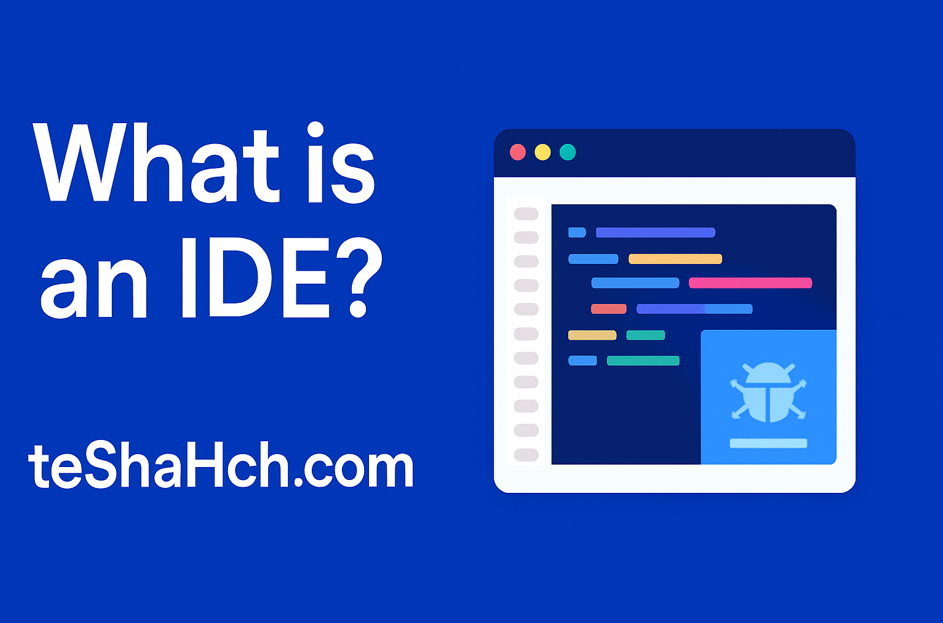
An IDE (Integrated Development Environment) is an all-in-one software application that provides programmers with everything they need to write, test, debug, and manage code efficiently.
Instead of using separate tools for editing code, compiling, debugging, and project management, an IDE combines these features under one roof. This makes coding faster, more organized, and beginner-friendly.
Key Features of an IDE
A professional IDE usually includes:
- Code Editor – A smart text editor with features like syntax highlighting, code suggestions, and auto-completion.
- Compiler/Interpreter – Translates written code into machine-readable instructions.
- Debugger – Helps programmers find and fix bugs easily.
- Build Automation – Simplifies repetitive tasks like compiling and testing code.
- Project Management Tools – Organizes multiple files, libraries, and frameworks into one workspace.
- Version Control Integration – Connects with Git and other tools to track code changes.
Benefits of Using an IDE
- Saves Time: Increases coding speed with automation and suggestions.
- Error Reduction: Built-in debugging reduces mistakes.
- Beginner Friendly: Makes learning programming easier.
- Supports Multiple Languages: Modern IDEs support Java, Python, JavaScript, C++, PHP, and more.
- Boosts Collaboration: With plugins and cloud integration, teams can work together effectively.
Popular IDEs and How to Choose the Right One
There are dozens of IDEs available, but not all are suitable for every type of project. Let’s explore the most popular IDEs, their features, and when to use them:
1. Visual Studio Code (VS Code)
- Best For: Web Development, Full-Stack Projects, Cross-Platform Coding
- Features:
- Lightweight and fast
- Supports extensions for almost every language (JavaScript, Python, PHP, Java, C++, Go, etc.)
- Integrated Git and terminal
- Rich debugging tools
- Why Choose It? If you work with multiple languages or web frameworks like React, Angular, Node.js, or Django, VS Code is the most flexible and popular choice.
2. Eclipse
- Best For: Java Development, Enterprise Applications
- Features:
- Open-source and free
- Great for Java, C, and C++
- Strong plugin ecosystem
- Built-in debugging and testing
- Why Choose It? Ideal for large-scale enterprise projects and developers working extensively with Java.
3. PyCharm
- Best For: Python Programming, AI/ML, Data Science
- Features:
- Smart code completion and error detection
- Integrated with Django, Flask, NumPy, Pandas, TensorFlow
- Version control support (Git, Mercurial, Subversion)
- Why Choose It? If your focus is on Python projects such as data science, machine learning, or web frameworks (Django/Flask), PyCharm is the most productive IDE.
4. Android Studio
- Best For: Mobile App Development (Android)
- Features:
- Based on IntelliJ IDEA
- Powerful emulator for testing apps
- Integrated with Java and Kotlin
- UI design tools for mobile apps
- Why Choose It? The only official IDE recommended by Google for Android app development. Choose it if your goal is to create and launch Android apps.
5. IntelliJ IDEA
- Best For: Professional Java, Kotlin, and Enterprise Projects
- Features:
- Advanced code refactoring
- Excellent integration with frameworks (Spring, Hibernate, Scala, Groovy)
- Smart debugging
- Supports multiple languages
- Why Choose It? If you are a professional Java developer or working with enterprise frameworks, IntelliJ IDEA offers unmatched productivity.
6. Xcode (for macOS users)
- Best For: iOS and macOS App Development
- Features:
- Apple’s official IDE for Swift and Objective-C
- Built-in Interface Builder for UI design
- Powerful simulator for iPhone/iPad apps
- Why Choose It? If you’re developing apps for iPhone, iPad, Apple Watch, or macOS, Xcode is the only choice.
7. NetBeans
- Best For: Java, PHP, and Web Applications
- Features:
- Free and open-source
- Easy integration with Apache servers
- Good for Java EE, HTML5, and PHP
- Why Choose It? Beginners who want a simple IDE for Java or PHP projects can start with NetBeans.
Which IDE Should You Choose?
- For Beginners: Start with VS Code (all-rounder) or NetBeans (for Java/PHP).
- For Web Developers: VS Code is the best choice because of its plugin ecosystem.
- For Java Developers: Eclipse or IntelliJ IDEA.
- For Python Developers: PyCharm is ideal.
- For Mobile Developers:
- Android Studio (for Android apps).
- Xcode (for iOS/macOS apps).
- For Data Science & AI: PyCharm with its Python-specific features.
SEO Keywords You Should Know
If you’re researching IDEs, here are some search terms people use worldwide:
- What is an IDE in programming?
- Best IDEs for web development
- IDE vs text editor
- Top IDEs for coding 2025
- IDE for beginners in programming
- IDE for Python, Java, C++, JavaScript
At teShaHch, we ensure to stay updated with the latest trends in coding tools, IDEs, and developer productivity.
FAQs about IDE
Q1: What is the difference between an IDE and a text editor?
A text editor only lets you write code, but an IDE provides compiling, debugging, and project management in one package.
Q2: Which IDE is best for beginners?
Visual Studio Code and PyCharm Community Edition are excellent for beginners.
Q3: Are IDEs free to use?
Many IDEs like VS Code, Eclipse, and Android Studio are free, though some advanced IDEs like IntelliJ IDEA have paid versions.
Q4: Do professional developers use IDEs?
Yes, almost all professionals use IDEs because they improve efficiency, reduce errors, and make project management smoother.
Final Thoughts
Whether you are a beginner coder or a professional developer, an IDE is an essential tool in your programming journey. With so many options available, the best IDE depends on your programming language, project type, and personal preference.
At teShaHch, our mission is to empower businesses and individuals with world-class website development, app creation, digital marketing, and tech consulting services.
👉
Looking to build a website, launch an app, or get expert coding solutions?
Contact teShaHch today and let’s turn your digital ideas into reality!