Learn UX/UI design from scratch. This complete guide explains what UX and UI are, differences, principles, tools, examples, career paths, and learning roadmap.
UX/UI Design Explained: Complete Beginner to Pro Guide
UX/UI Design is the backbone of modern websites, mobile apps, and digital products. UX (User Experience) focuses on how a product works and feels, while UI (User Interface) focuses on how it looks. Together, UX and UI ensure that users can interact with a product easily, efficiently, and enjoyably.
In this pillar guide, you’ll learn everything about UX/UI design—from basic concepts to tools, principles, examples, and career opportunities.
What Is UX (User Experience)?
User Experience (UX) refers to the overall experience a user has when interacting with a digital product such as a website or mobile app.
Core Goals of UX Design
- Make products easy to use
- Reduce user frustration
- Improve task efficiency
- Solve real user problems
UX Design Process
- User Research
- Problem Definition
- Information Architecture
- Wireframing
- Prototyping
- Usability Testing
Example: A checkout process with fewer steps and clear instructions is a result of good UX design.
What Is UI (User Interface)?
User Interface (UI) design focuses on the visual and interactive elements of a product.
Core Elements of UI Design
- Buttons and forms
- Colors and typography
- Icons and images
- Layout and spacing
- Responsive design
Example: A clean interface with readable fonts, consistent colors, and clear buttons represents good UI design.
UX vs UI: Key Differences
| Aspect | UX Design | UI Design |
|---|---|---|
| Focus | User journey & usability | Visual design & interaction |
| Goal | Functionality and ease | Aesthetic appeal |
| Output | Wireframes, flows | Visual layouts, components |
Why UX/UI Design Is Important
- Improves user satisfaction
- Increases conversions and sales
- Reduces bounce rate
- Builds brand trust
- Enhances SEO and performance
Search engines favor websites that provide excellent user experience.
UX/UI Design Principles
UX Principles
- User-centered design
- Simplicity
- Consistency
- Accessibility
- Feedback
UI Principles
- Visual hierarchy
- Color contrast
- Readability
- Alignment
- Consistency
Popular UX/UI Design Tools
UX Tools
- Figma
- Adobe XD
- Miro
- Balsamiq
UI Tools
- Figma
- Sketch
- Adobe Photoshop
- Adobe Illustrator
UX/UI Design Examples
- E-commerce checkout flow
- Mobile app onboarding screens
- Dashboard design for SaaS products
- Landing page conversion design
Each example demonstrates how UX and UI work together to improve usability and engagement.
UX/UI Career Opportunities
UX/UI design is one of the fastest-growing tech careers.
Job Roles
- UX Designer
- UI Designer
- Product Designer
- Interaction Designer
Where You Can Work
- Tech companies
- Startups
- Freelancing platforms
- Remote teams
Required Skills
- Design thinking
- User research
- Prototyping
- Basic HTML/CSS knowledge
UX/UI Learning Roadmap (Beginner to Pro)
- Learn UX/UI fundamentals
- Understand design principles
- Practice using Figma
- Work on real-world projects
- Build a strong portfolio
- Apply for jobs or freelance work
UX/UI for SEO & Business Growth
Good UX/UI improves site speed, navigation, mobile usability, and engagement—factors that directly impact SEO rankings and business growth.
FAQ
Is UX/UI design good for beginners?
Yes. UX/UI design is beginner-friendly and does not require coding initially.
Do UX designers need coding?
Basic HTML and CSS knowledge is helpful but not mandatory.
Can UX/UI designers work remotely?
Yes. Many UX/UI jobs are remote-friendly.
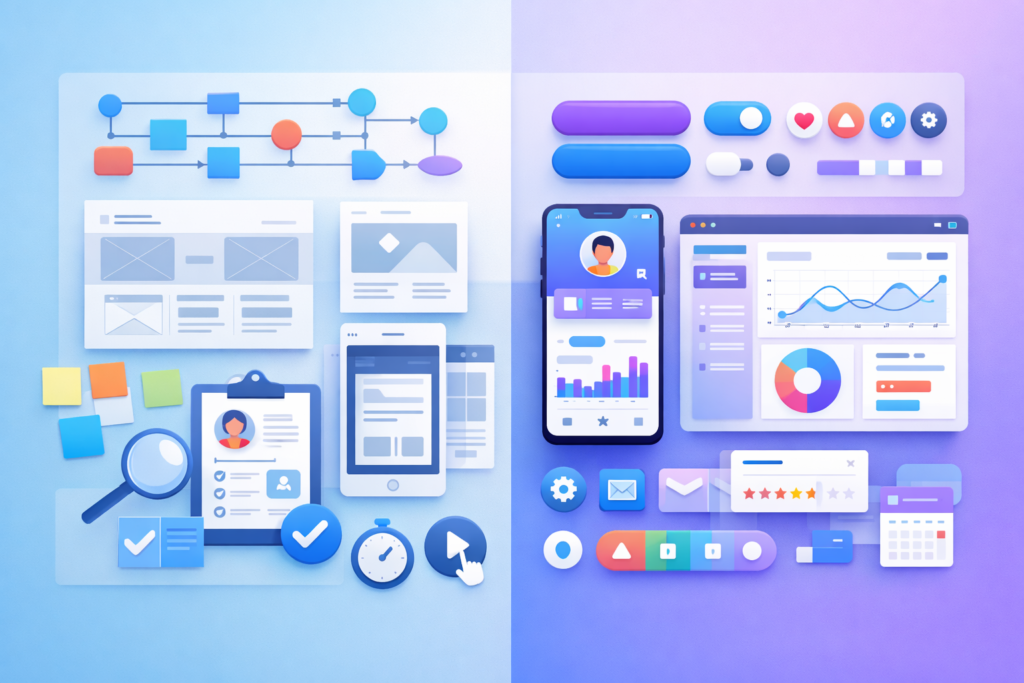
UX/UI design combines creativity, logic, and user psychology. Whether you want to build better websites or start a career in tech, mastering UX/UI design is a future-proof skill.